A Senior's Guide to Facebook Groups in Kenya (Finding Community Safely)
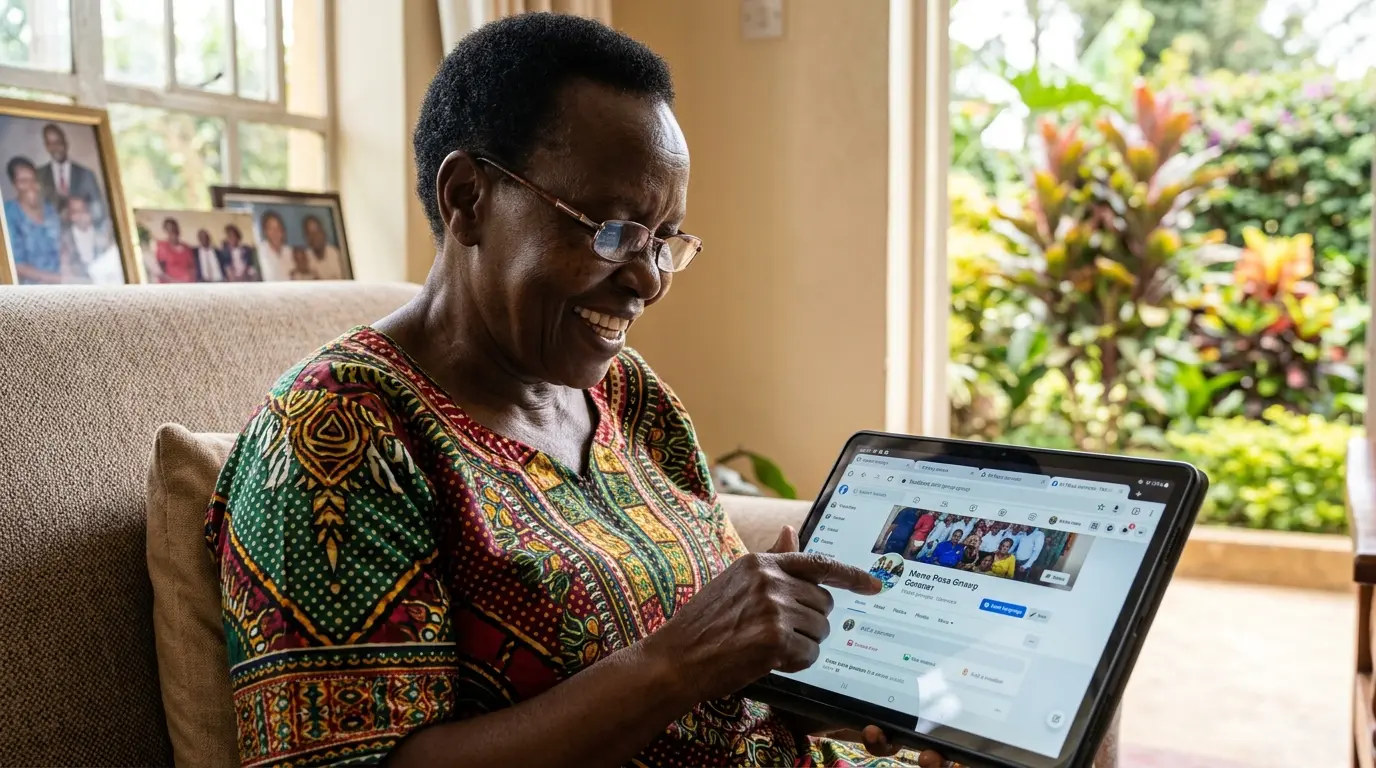
Quick Summary: Facebook groups can be a wonderful way to stay connected with your church, school alumni, hometown community, and hobbies. But scammers also hide in groups — posing as admins, running fake giveaways, and stealing personal information. This guide shows you how to find legitimate groups, protect your privacy, and spot scams before they hurt you.
Facebook groups are like digital community halls. In Kenya, they have become places where church members share prayer requests, former classmates organize reunions, and neighbors help each other find jobs or sell goods. For seniors, groups can reduce loneliness and keep you informed about events that matter to you.
But just like in the physical world, not every group is safe. Some are run by scammers who want your money, your data, or both. The good news: with a few simple precautions, you can enjoy the benefits while staying protected.
Why Join Facebook Groups?
- Stay connected with your church: Many churches in Kenya have Facebook groups where they share service times, prayer points, and event photos.
- Reconnect with old friends: Alumni groups for high schools and universities help you find former classmates and organize reunions.
- Find local community support: Hometown groups (like "Kisumu Residents" or "Nakuru Community") share news, job postings, and safety alerts.
- Pursue hobbies: Gardening, cooking, bible study, travel — there is a group for almost every interest.
- Get timely information: Some groups share government announcements, health tips, or senior-specific resources.
Remember: Being in a group does not mean everyone in it is trustworthy. Just like in a market or matatu stage, you must stay alert even in familiar places.
How to Find and Join Groups Safely
Step 1: Search for What You Want
Facebook App → Tap the magnifying glass (Search) → Type your search
Examples of good searches:
- "[Your Church Name] Fellowship"
- "[Your High School Name] Alumni"
- "[Your Town] Community"
- "Kenyan Seniors Support Group"
Tip: Be specific. Searching "Nakuru Seventh Day Adventist Church" will give better results than just "Church Nakuru."
Step 2: Check the Group Before Joining
Not all groups with similar names are legitimate. Before you tap "Join," check these things:
| What to Check | Good Sign ✅ | Warning Sign 🛑 |
|---|---|---|
| Member Count | Hundreds or thousands of members | Very few members (under 50) or suspiciously high (millions) |
| Group Description | Clear purpose, rules listed | Vague description, promises of money or prizes |
| Recent Posts | Active discussions, helpful content | Only posts asking for money, personal info, or "click this link" |
| Admin Profiles | Real names, profile photos, visible history | No photo, recently created accounts, multiple admin accounts with similar names |
Step 3: Answer Join Questions Honestly
Many legitimate groups ask questions before approving you. This is normal and actually a good sign — it means the admins care about who joins.
Common questions might include:
- "Do you attend [Church Name]?"
- "What year did you graduate from [School]?"
- "Do you live in [Town]?"
- "Agree to follow group rules?"
Answer truthfully. If you lie or skip questions, admins may reject your request. And never share sensitive information like your ID number, phone number, or M-Pesa details in these questions.
Step 4: Wait for Approval
After requesting to join, you may wait anywhere from a few hours to several days. Legitimate groups often have volunteer admins who review requests manually.
If your request is rejected, do not take it personally. Some groups are private and only invite members directly. Try finding another group with a similar purpose.
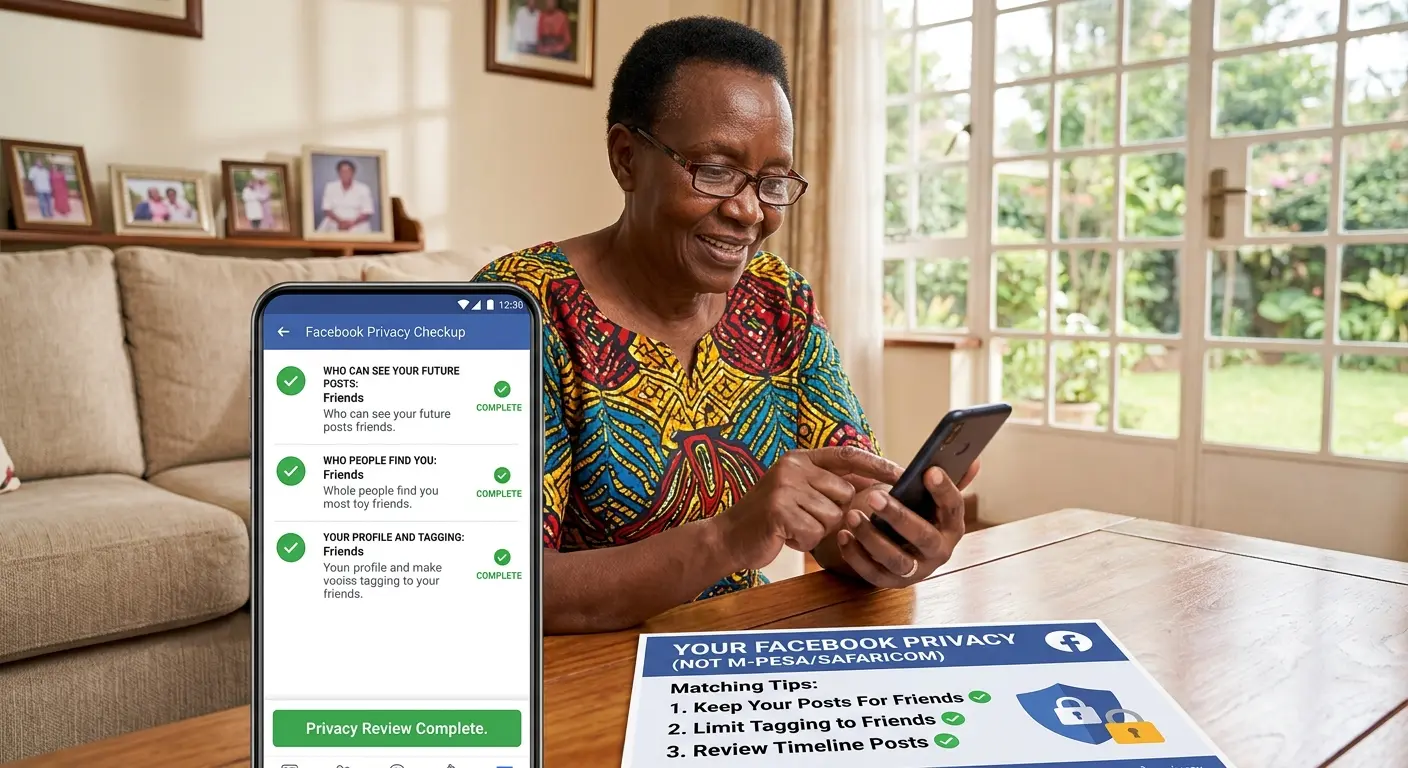
Privacy Checklist: Protect Yourself in Groups
Before you start posting in groups, adjust these privacy settings to control what strangers can see:
1. Limit Who Can See Your Friends List
Settings & Privacy → Settings → Privacy → How people can find and contact you → Who can see your friends list? → Only Me
Why: Scammers often friend-request seniors to access their friends list, then impersonate those friends to ask for money.
2. Review Tags Before They Appear
Settings & Privacy → Settings → Profile and Tagging → Review posts you're tagged in → ON
Why: This prevents strangers from tagging you in inappropriate content that would then appear on your profile.
3. Control Who Can Post on Your Timeline
Settings & Privacy → Settings → Profile and Tagging → Who can post on your profile? → Only Me
Why: This stops group members from posting spam or scams directly on your profile.
4. Hide Your Email and Phone Number
Settings & Privacy → Settings → Personal Information → Contact Info → Set email and phone to Only Me
Why: Group members should not have access to your personal contact information unless you choose to share it privately.
Critical Rule: Never share your ID number, M-Pesa PIN, bank details, or home address in any Facebook group — even if an "admin" asks for it. Legitimate groups never require this information.
Scam Warnings: What to Watch For
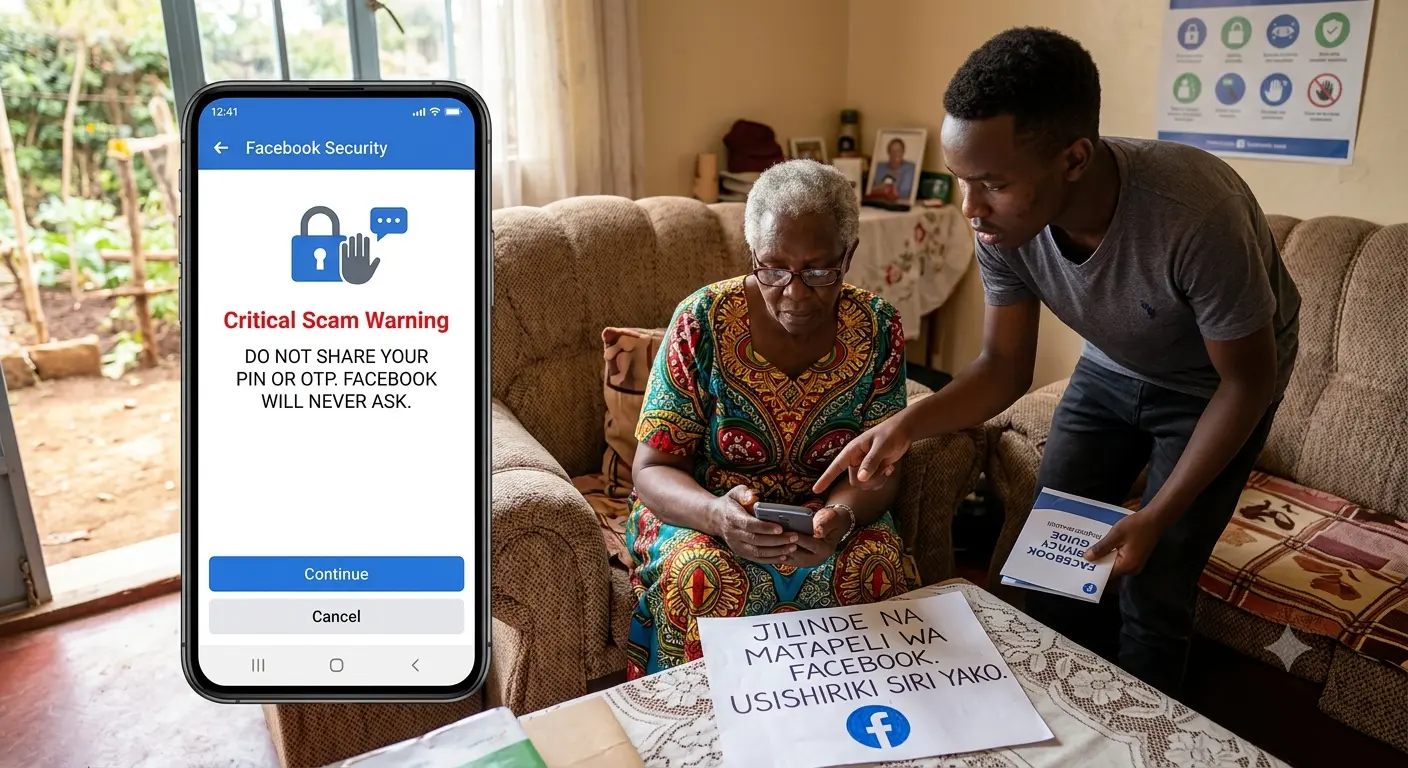
🛑 Imposter Admin Scams
The scam: Someone creates a fake profile pretending to be a pastor, school administrator, or community leader. They join groups, gain trust, then message members privately asking for money for "urgent projects" or "medical emergencies."
How to spot it:
- The profile was created very recently (check the "Joined Facebook" date)
- Few friends, few posts, or posts look copied from elsewhere
- They pressure you to act quickly ("Send today or the opportunity is gone")
- They ask you to send money via M-Pesa to a number different from their profile name
What to do: Do not send money. Message a real admin or call the person you think they are impersonating using a number you already have. Report the fake profile to Facebook.
🛑 Fake Giveaway Scams
The scam: "Congratulations! You have won KSh 50,000 from [well-known company]. Send your ID number and M-Pesa details to claim your prize!"
How to spot it:
- You did not enter any competition
- The message has spelling errors or looks unprofessional
- They ask for personal information or payment to "process" your prize
- The group or page has no official verification badge
What to do: Ignore and delete. Real companies never ask winners to pay to receive prizes. Report the post to Facebook.
🛑 Investment & Pyramid Scheme Scams
The scam: "Invest KSh 5,000 today and get KSh 50,000 in one week! Join our WhatsApp group for details."
How to spot it:
- Returns sound too good to be true (they are)
- They pressure you to recruit other people
- No clear explanation of how the business works
- Payment is requested via M-Pesa to personal numbers, not company till numbers
What to do: Do not invest. These are pyramid schemes that collapse, leaving most people with losses. Report the group.
🛑 Fake Emergency Scams
The scam: "This is Pastor [Name]. I am stuck at the hospital and need KSh 3,000 for treatment. Please send urgently."
How to spot it:
- The message comes from an unknown number or new profile
- The story creates urgency and emotional pressure
- They discourage you from calling to verify
What to do: Call the person directly using a number you already have. Never send money based on a Facebook message alone.
Healthy Group Habits for Seniors
- Start small: Join 2-3 groups first. Too many groups can be overwhelming with notifications.
- Mute noisy groups: If a group posts too frequently, go to the group → Tap "Joined" → Select "Mute Group." You can still read posts without constant notifications.
- Think before you post: Once something is posted in a group, hundreds of people can see it. Do not share personal details, financial information, or controversial opinions.
- Verify before sharing: If you see health advice, news, or prayer requests, verify they are true before sharing. Misinformation spreads fast in groups.
- Leave toxic groups: If a group makes you feel anxious, pressured, or confused, leave it. Your peace of mind is more important than being in every group.
Pro Tip: Turn on "See First" for groups that truly matter to you. Go to the group → Tap "Joined" → Select "See First." This ensures you do not miss important posts from your church or family groups.
How to Leave or Report a Group
To Leave a Group:
Go to the group → Tap "Joined" → Select "Leave Group" → Confirm
Leaving a group is private — other members are not notified. You can rejoin later if you change your mind (if the group allows it).
To Report a Group or Post:
On the post or group → Tap the three dots (⋮) → Select "Report" → Choose the reason → Submit
Facebook reviews reports anonymously. Reporting helps protect other seniors from the same scams.
Frequently Asked Questions
| Question | Answer |
|---|---|
| Are Facebook groups free to join? | Yes, all Facebook groups are completely free. Anyone asking for payment is a scammer. |
| How do I know if a group is legitimate? | Look for clear descriptions, active moderation, real admin profiles, and reasonable member counts. Avoid groups promising easy money. |
| What if an admin asks for my M-Pesa number? | Never share it. Legitimate admins never ask for personal financial information. Leave the group and report it. |
| Can I be in multiple groups? | Yes, but start with 2-3 to avoid feeling overwhelmed. You can always join more later. |
| Will group members see my personal posts? | Only posts you make inside the group are visible to members. Your personal timeline posts are controlled by your privacy settings. |
| Can I post in a group without joining? | No, you must be a member (and approved by admins) before you can post in most groups. |
Final Word
Facebook groups can enrich your life — keeping you connected to your faith community, old friends, and local news. But like any public space, they require awareness and caution.
Remember these three principles:
- Protect your privacy: Never share ID numbers, M-Pesa details, or home addresses in groups.
- Verify before trusting: If someone asks for money or personal information, confirm their identity through a separate channel (phone call, in-person meeting).
- Trust your instincts: If something feels wrong, it probably is. Leave the group, block the person, and report the scam.
With these safeguards in place, you can enjoy the warmth of online community without falling victim to those who would exploit your trust.
📘 Explore Facebook Groups