📋 In This Article
- Why Financial Technology Matters for Older Adults
- How to Use M-Pesa Safely
- Lipa na M-Pesa — Paying for Goods and Services
- Paying Bills Using M-Pesa
- Useful USSD Codes Every Older Adult Should Know
- Mobile Banking Apps
- Digital Savings Accounts
- Staying Safe at an M-Pesa Agent
- Protecting Yourself from Financial Scams
- Frequently Asked Questions
Kenya has led the world in mobile money for over a decade. M-Pesa, Lipa na M-Pesa, M-Shwari, KCB M-Pesa, digital banking apps — these tools have transformed how Kenyans manage money. They save time, reduce travel, and put financial control directly in your hands.
For older adults, the benefits are especially significant. No more travelling to a bank branch. No more queuing at a pay point. Your money is accessible from anywhere in Kenya, at any hour, from the phone in your pocket.
This guide walks you through each financial technology tool available to you — in plain language, step by step.
📚 What You Will Learn in This Article
- How to use M-Pesa to send, receive, and manage money safely
- How to pay for goods and services using Lipa na M-Pesa
- How to pay electricity, water, and other bills from your phone
- The most important USSD codes every older Kenyan should know
- How to use mobile banking apps for KCB, Equity, and Co-op Bank
- Digital savings accounts that earn you interest from M-Pesa
- How to stay safe at an M-Pesa agent and avoid scams
This guide is written for older adults and their families. All tools mentioned are free or very low cost and work on basic Android smartphones widely available in Kenya. If you need hands-on help, visit your nearest Huduma Centre or Safaricom shop.
Managing money used to mean physical trips — to the bank, to the pay point, to the post office. For older adults with mobility challenges, those living far from towns, or those who find long queues exhausting, this was a real burden.
Financial technology changes this completely. Today, an older adult in Homa Bay can pay their Kenya Power electricity bill, check their NSSF pension balance, send money to a grandchild in Nairobi, and save for an emergency — all from a basic smartphone, without leaving home.
No Travel Needed
Pay bills, send money, and check balances from home — no bank visits, no queues.
Available 24 Hours
M-Pesa and banking apps work at any hour of the day or night, every day of the year.
Safer Than Cash
Carrying less cash reduces the risk of theft. Your money stays safely in your M-Pesa account.
Full Financial Record
Every M-Pesa transaction is recorded automatically — giving you a complete history of your money.
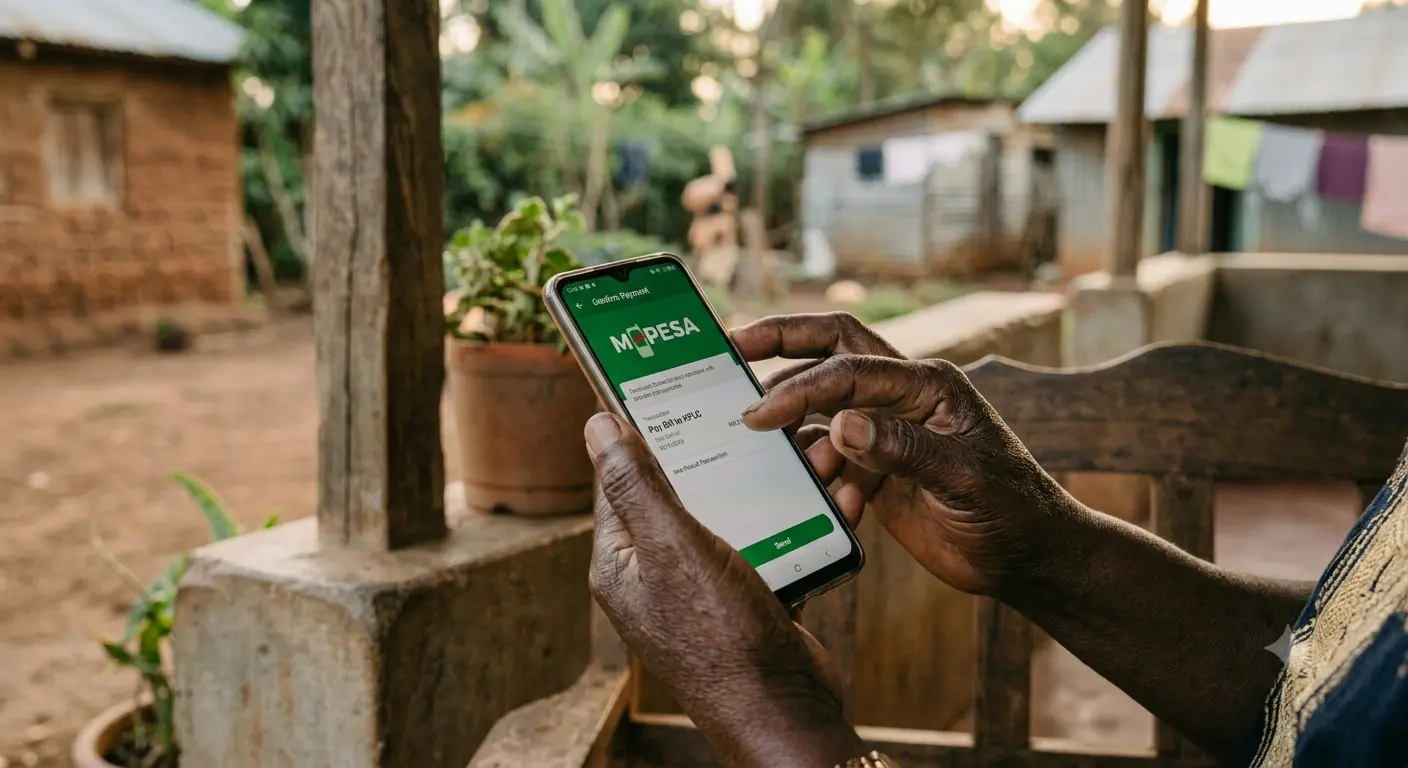
M-Pesa is Kenya's most widely used financial tool. It allows you to send money, receive money, pay for goods and services, pay bills, save, and access credit — all from your Safaricom phone.
You access M-Pesa by dialling *334# on your Safaricom phone, or through the M-Pesa app if your phone supports it.
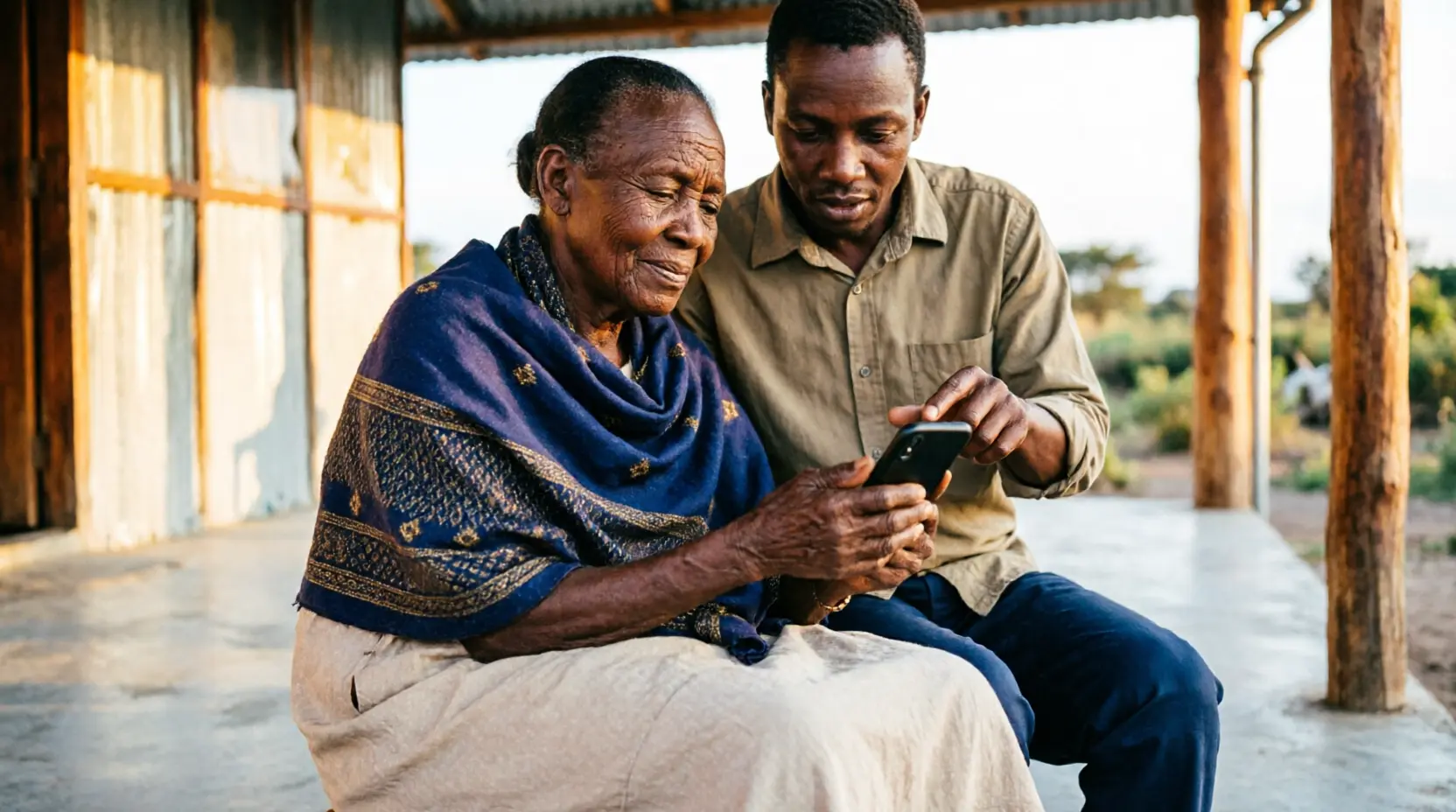
💚 How to Send Money on M-Pesa
The most commonly used M-Pesa service — follow these steps exactly
- One wrong digit sends your money to a stranger. Always read the number back before pressing OK.
- If you sent money to the wrong number, call Safaricom immediately on 100. Do it within minutes for the best chance of recovery.
- Your M-Pesa PIN is your most important secret. Never share it with anyone under any circumstances.
Lipa na M-Pesa allows you to pay for goods and services at shops, supermarkets, hospitals, schools, and markets directly from your M-Pesa — without using cash. You will see the green and white Lipa na M-Pesa sign at most business premises across Kenya.
There are two ways to pay using Lipa na M-Pesa: Pay Bill (for businesses with a Paybill number) and Buy Goods (for businesses with a Till number).
How to Pay Using Lipa na M-Pesa
- 1Dial *334# or open the M-Pesa app on your phone
- 2Select "Lipa na M-Pesa"
- 3Select "Pay Bill" for a Paybill number or "Buy Goods" for a Till number
- 4Enter the business number shown on the Lipa na M-Pesa sign at the business
- 5Enter the account number if required — this is usually your phone number or account reference
- 6Enter the exact amount to pay
- 7Enter your M-Pesa PIN and press OK
- 8You will receive a confirmation SMS. Show it to the cashier as proof of payment.
Naivas, Quickmart, Carrefour and most supermarkets. Hospitals and pharmacies. Schools and colleges. Government offices including Huduma Centres. Fuel stations. Restaurants and hotels. Most market stalls and small shops displaying the green M-Pesa sign.
One of the most time-saving uses of M-Pesa is paying utility bills from home. No more queuing at Kenya Power offices or water company pay points. Here are the most common bills you can pay directly from M-Pesa.
| Bill Type | How to Pay | Paybill Number |
|---|---|---|
| Kenya Power electricity | Lipa na M-Pesa → Pay Bill → Enter your meter number as account | 888880 |
| Nairobi Water | Lipa na M-Pesa → Pay Bill → Enter your account number | 888861 |
| Safaricom Postpaid | Lipa na M-Pesa → Pay Bill → Enter your phone number | 200200 |
| DSTV subscription | Lipa na M-Pesa → Pay Bill → Enter your SmartCard number | 345700 |
| ZUKU internet | Lipa na M-Pesa → Pay Bill → Enter your account number | 802200 |
| KRA taxes | Lipa na M-Pesa → Pay Bill → Enter your PIN as account | 572572 |
| NHIF / SHIF contributions | Lipa na M-Pesa → Pay Bill → Enter your ID number | 200222 |
| NSSF contributions | Lipa na M-Pesa → Pay Bill → Enter your NSSF number | 333200 |
Write down the Paybill numbers you use most often on a small piece of paper and keep it near your phone. This saves you having to remember them each time. Your electricity token number, water account number, and SHIF membership number are worth writing down too.
USSD codes are short number sequences you dial on your phone like a regular call. They work without internet, without an app, and on even the most basic Safaricom phone. These are essential tools — especially when your internet is not working.
| Dial This Code | What It Does |
|---|---|
| *334# | Opens the full M-Pesa menu — send money, pay bills, check balance, everything |
| *234# | Change your M-Pesa PIN — use this immediately if you think someone knows your PIN |
| *234*1# | Check your M-Pesa balance without opening the full menu |
| *234*0# | Check your last 5 M-Pesa transactions — useful for verifying payments |
| *544# | Access M-Shwari — check your savings balance and apply for a loan |
| *654# | Access KCB M-Pesa savings and loan services |
| *254# | Access Hustler Fund — Kenya Government digital savings and loan fund |
| 100 | Call Safaricom customer care — free, available 24 hours, for all M-Pesa issues |
All USSD codes above work without internet or mobile data. They use Safaricom's network directly. This means they work even in areas with poor internet signal, when your data bundle is finished, or on a basic phone without smartphone features.
Most major Kenyan banks now have smartphone apps that let you check your balance, transfer money, pay bills, and manage your account without visiting a branch. If you have a bank account, ask your bank to help you set up their mobile app during your next visit.
KCB App
Check your KCB balance, pay bills, transfer money, and apply for KCB M-Pesa loans. Free on Google Play.
Equity Mobile
Full Equity Bank services on your phone. Check balance, send money to M-Pesa, and manage your account anywhere.
Co-op MCo-opCash
Cooperative Bank mobile banking. Transfer money, pay bills, and check your account from your phone.
Absa Kenya App
Full Absa Mobile Banking for account holders. Transfers, bill payments, and account management.
Visit your bank branch in person to register for mobile banking. Bring your national ID and the phone you will use. Bank staff will set up the app securely and show you how to use it. Never set up mobile banking by following instructions sent by SMS or WhatsApp — always go to the branch in person.
Digital savings accounts accessible through M-Pesa allow you to earn interest on your savings and access emergency credit when needed — without ever visiting a bank.
| Product | What It Does | How to Access | Important Note |
|---|---|---|---|
| M-Shwari | Savings account with interest plus small emergency loans | Dial *544# or M-Pesa menu → M-Shwari | Minimum save any amount. Interest paid monthly. |
| KCB M-Pesa | Savings plus loans from KES 500 to KES 1,000,000 | Dial *654# or M-Pesa menu → KCB M-Pesa | Loan amount depends on your M-Pesa usage history. |
| Hustler Fund | Government-backed digital savings and loan fund | Dial *254# on Safaricom | 25% of every loan goes to your savings automatically. |
| Fuliza | M-Pesa overdraft for when your balance runs short | Automatically activated during M-Pesa transactions | Use with caution — interest charges accumulate daily. |
- Fuliza charges daily interest that accumulates quickly. A small Fuliza balance can grow significantly if not repaid promptly.
- Many older adults have found themselves in unexpected debt from Fuliza. Only use it for genuine emergencies.
- To check your Fuliza balance, dial *234# and select Fuliza. Repay it as soon as money enters your M-Pesa account.
- You can opt out of Fuliza by calling Safaricom on 100 if you prefer not to have it active on your account.
M-Pesa agents are found across Kenya — in shops, kiosks, and market stalls displaying the green M-Pesa sign. They help you deposit cash into your M-Pesa, withdraw cash, and register new accounts. Here is how to use an agent safely.
- 1Only use official M-Pesa agents displaying the current green and white Safaricom M-Pesa signage. If a sign looks old, faded, or unofficial, find another agent.
- 2Never hand your phone to the agent. You should always enter your own PIN. A legitimate agent will never need to touch your phone to complete a transaction.
- 3Cover the screen with your hand or body when entering your PIN. Be aware of people standing behind or beside you.
- 4Count your cash carefully before leaving the agent. Once you walk away, it is difficult to dispute the amount.
- 5Wait for your confirmation SMS before leaving. If you do not receive one within two minutes, call Safaricom on 100 before leaving the agent's location.
- 6If an agent asks for your PIN or claims there is a "problem with the system" that requires your PIN — leave immediately and call Safaricom on 100.
You have the right to refuse any agent who asks for your PIN. You have the right to count your money before leaving. You have the right to call Safaricom's free helpline (100) at any time if something feels wrong. A legitimate agent will never make you feel rushed or pressured.
Financial scams targeting older Kenyans are increasing. Here is what you must know to protect your money.
- NEVER share your M-Pesa PIN with anyone — not your children, not a Safaricom agent, not a bank officer. No legitimate person will ever ask for your PIN.
- Never send money to someone claiming you have won a prize. This is always a trick.
- Ignore messages saying your M-Pesa account has been suspended and you must call a number. Call Safaricom's official line on 100 or 0722 000100 only.
- Never reverse a transaction for a stranger who "accidentally" sent you money. Call Safaricom first and let them handle it.
- Do not click links in SMS messages claiming to be from your bank or Safaricom. Always go directly to the official app or call the official number.
- Never give your bank card number, CVV number, or internet banking password to anyone over the phone or on WhatsApp.
- Call Safaricom immediately on 100 (free) — they may be able to reverse the transaction if you act within minutes
- Call your bank's 24-hour helpline immediately to freeze your account if needed
- Report to your nearest police station or call the DCI on 0800 722 203 (toll-free)
- Tell a trusted family member immediately so they can help you take action quickly
- Report to the Communications Authority of Kenya on 0800 722 227 (free)
❓ Frequently Asked Questions
Prefer listening? The Senior Citizens Tech Haven Podcast covers M-Pesa, mobile banking, and financial technology for older Kenyans. Available on Spotify. Search "Senior Citizens Tech Haven."